


AIP - Version 6.0 released
The next version of our intelligent alarming system is now available
AIP 6.0 introduces significantly enhanced security, self-updating agents, MQTT-based insights, a redesigned Web-UI, WinCC Unified Agent , an improved messenger with multi-server support, and custom iOS alarm sounds — AIP 6.0 is built to fit today’s IT/OT reality.
Read on to discover what’s new and why these changes matter in practice.
What’s new: detailed list
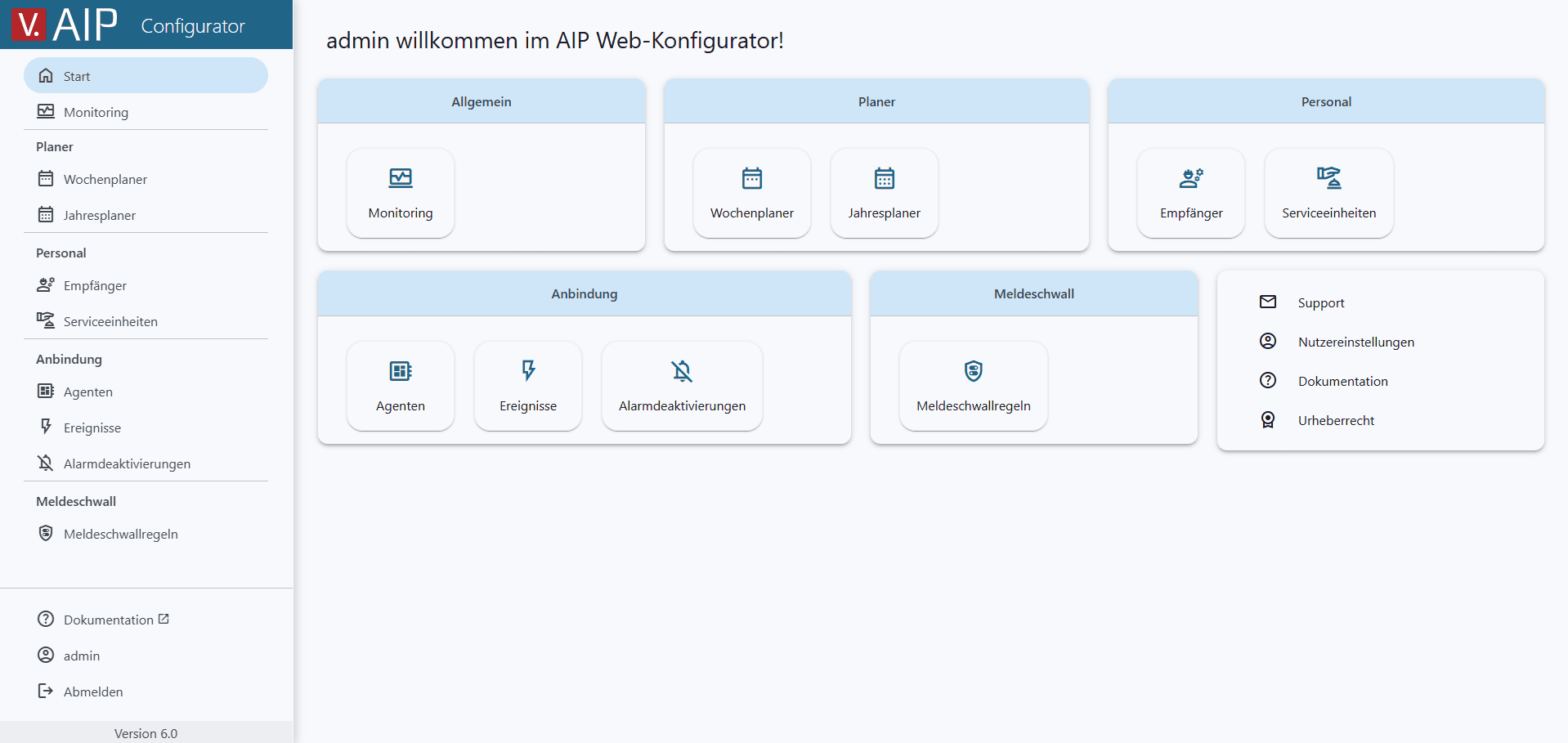
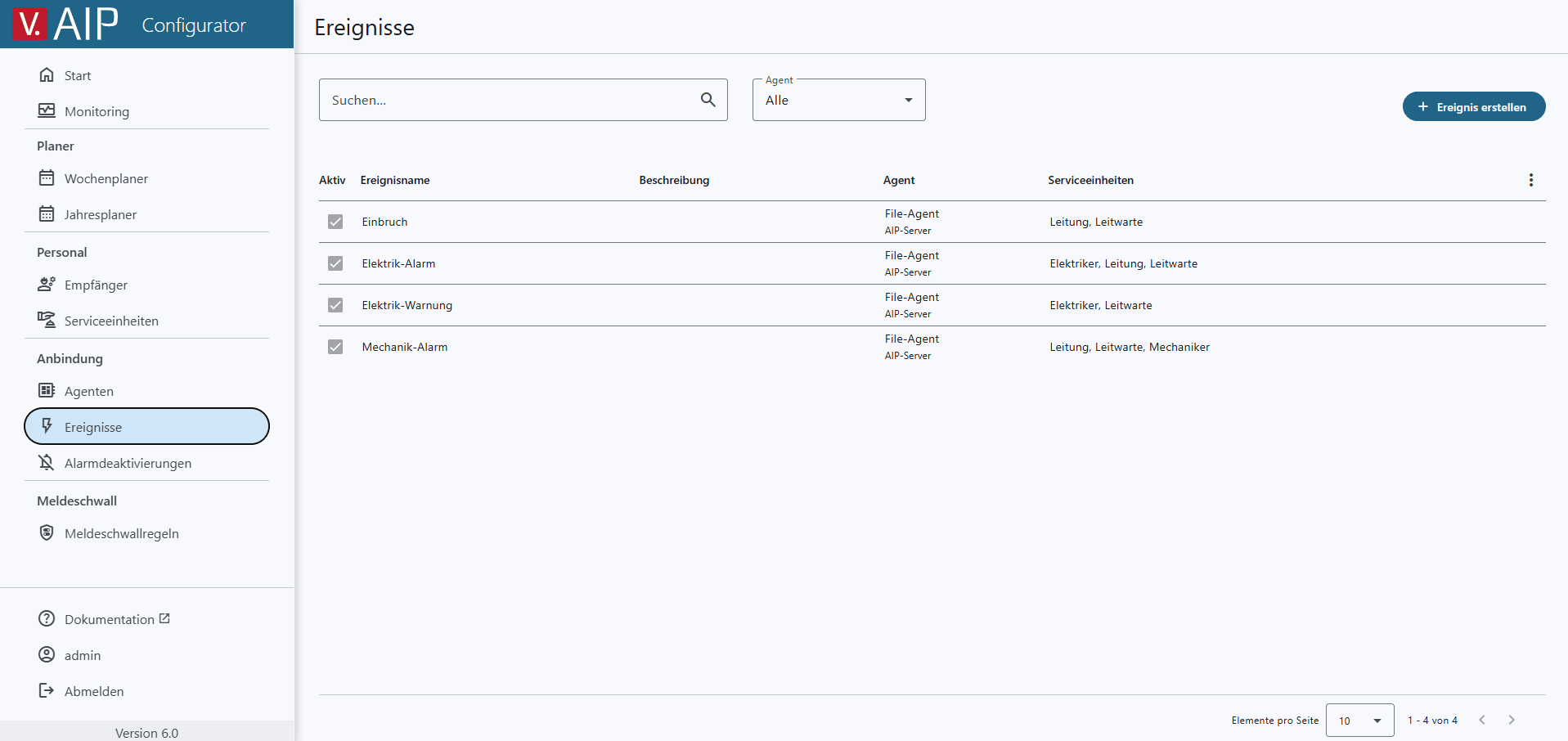
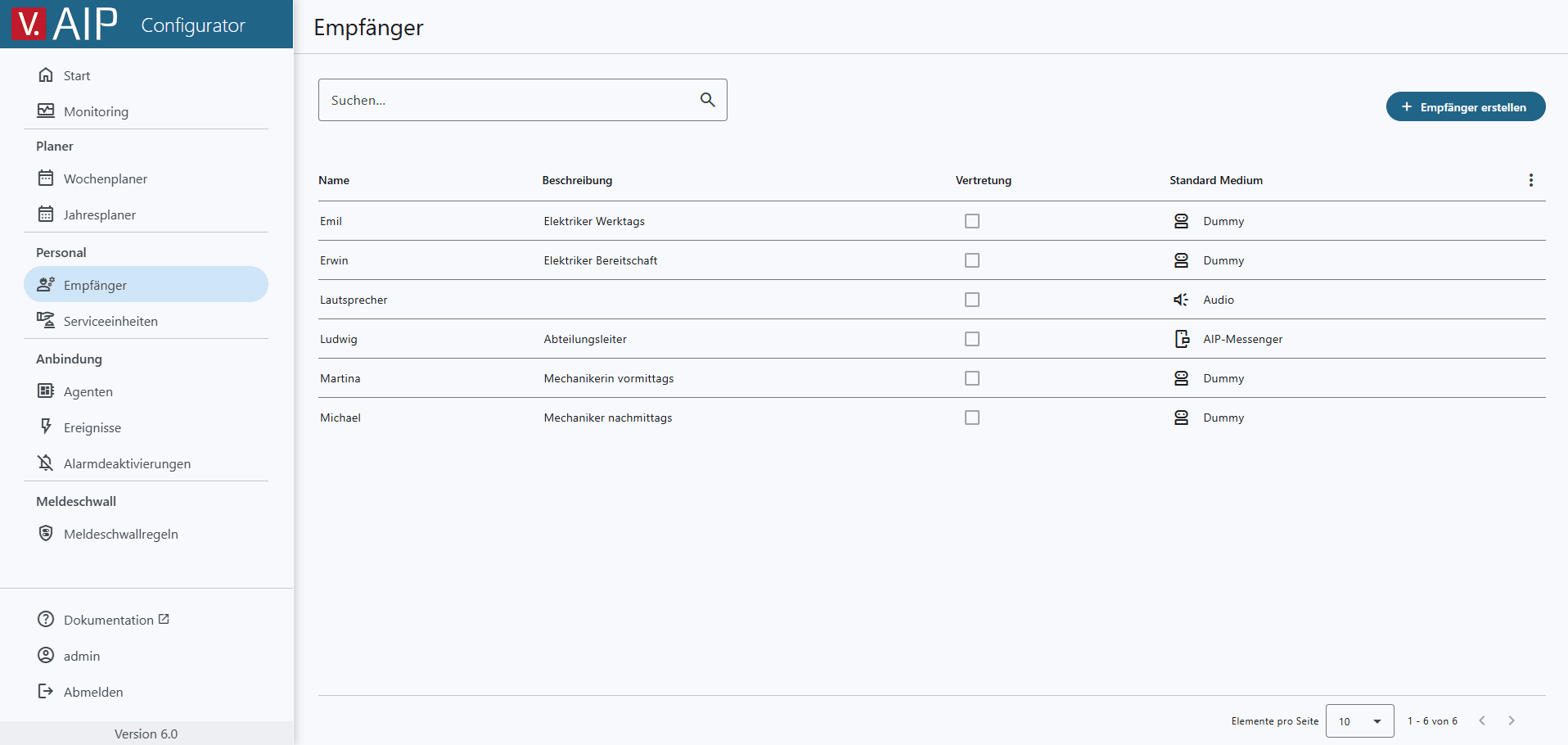
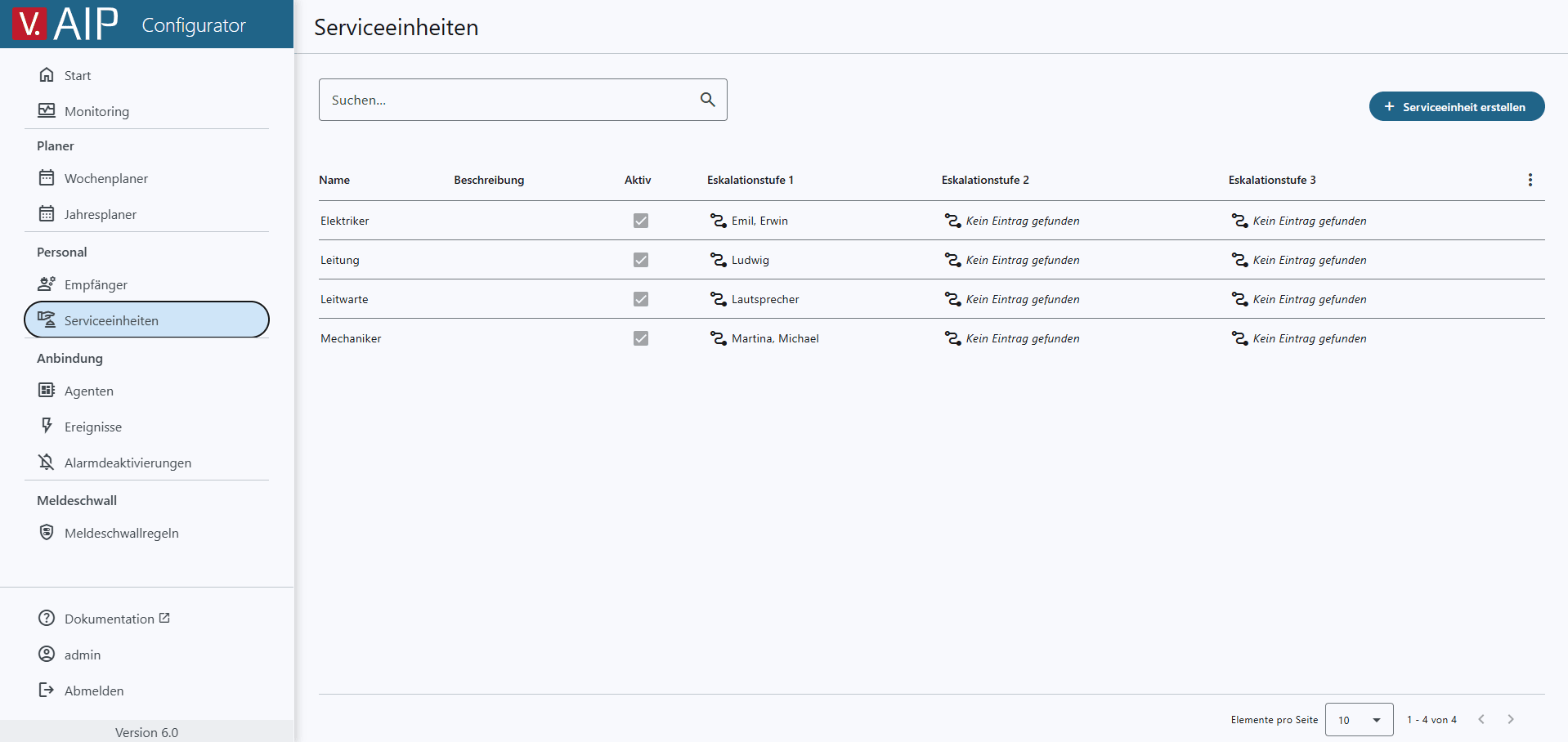
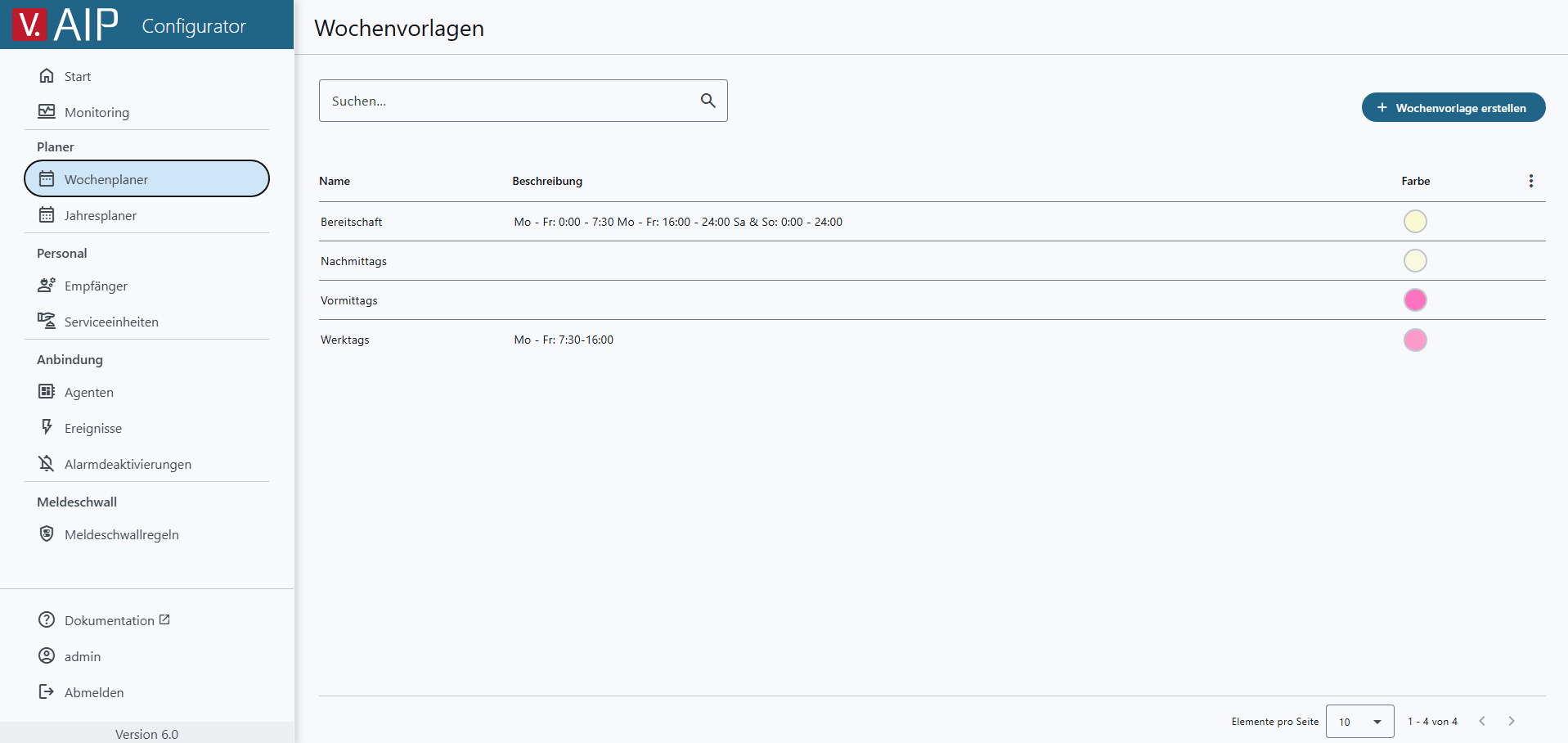
New enhanced Web Configurator
The user interface of the AIP Web Configurator has been completely redesigned, modernizing the user experience: new home page, clear design, search functions, and improved configuration logic. The configuration area now also includes monitoring, agents, events, message flood, and service units. Configuration via the Windows application remains available, but in the future, configuration will be gradually transferred entirely to the web.
New WinCC Unified Agent
The new WinCC Unified Agent enables connection to the Siemens control system. The agent’s connection status to the control system is displayed in the AIP Configurator. Internally, the system has been converted to .NET and 64-bit, which means that modern systems such as WinCC Unified are directly supported.
Updated Messenger app with custom notification sounds at iOS
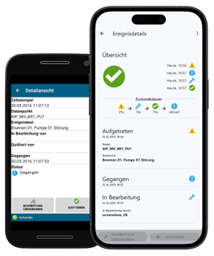
- Completely new user interface
- Multi-server support: When running multiple plants, you can now receive messages from different systems without having to switch servers.
- Multi-Select: Bulk editing and deletion for faster message management
- Simplified registration process with wizard
- Custom notification sounds on iOS: Identify the meaning and importance of a notification by its sound. You can also set specific notification sounds, such as those used for night-time on-call duty.
Easier Agent maintenance cause of One-Click Setup and Self-Update
AIP 6.0 offers one-click setup for agents. All parameters, certificates, and necessary dependencies are packed into a single file. Simply transfer it to the remote computer, run the setup, and all settings will be applied automatically.
Version 6.0 agents also include a self-update feature. To perform an update in the future, simply install the latest version on the server. The agents will connect to the server and update themselves automatically.
These two features can save you many hours of manual work, especially in systems with 10 to 20 distributed agents.
Quicker and standardized redundancy setup
Previously, configuring redundancy (two AIP servers on two control systems) required manual configuration-file editing. Now, the configurator includes a setting that greatly simplifies the setup of redundancy, making your work easier and reducing the number of human errors.
Keep informed about AIP System status via MQTT
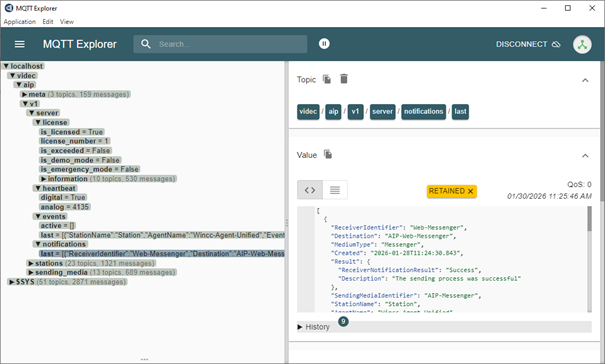
You can now view the status of AIP in your SCADA system via the public MQTT-broker. It provides license status, heartbeat, states of transmission media including pending messages, agent and station data, as well as the last 50 events and failed transmissions using the MQTT protocol.
This allows you to quickly identify and locate the problem directly in your control system without having to read log files.
OAuth2 authentication for Microsoft 365
The old SMTP authentication with username and password has been discontinued on Microsoft 365 servers. To accommodate this, AIP now supports the OAuth2 method, as recommended in the current guidelines, which enables a secure connection to modern email services.
This means that you authenticate via a standard Microsoft login window and AIP has no access to your username or password.
No passwords -> No risk of theft = Security by design.
Encrypted secure NIS2-ready communication core
The standardized MQTT protocol is used for internal communication between agent <-> server, station <-> server, and other internal channels. Communication is encrypted and uses certificate-based authentication.
This greatly improves data security and prevents message interception by third parties (sniffing). Automated certificate management ensures security is simple and seamless for you.
Security by design, ready for NIS2 requirements.
Secure Password Management
Password rules are configurable and can be set for user login in the AIP Configurator, AIP Web Configuration, and AIP Web Messenger. This ensures that your users will be required to use long and sufficiently secure passwords.
Password security has also been increased. The AIP Web Configurator and AIP Web Configuration only allow passwords to be set—they cannot be viewed.
Enhanced security of Messenger registration
The setup code for AIP Messenger now defaults to a 24-hour validity period. This duration can be adjusted but remains limited. Additionally, after each failed registration attempt, the delay time increases.
That complicates brute force hacking attempts and secures the registration interface.
Further Improvements and Changes
» Expanded Monitoring: Edge AIP connection status in UI
The connection status and signal quality of an Edge AIP are now shown in the interface. That means easier monitoring for you.

» Extended alarm item name length
The length of an alarm item name has been increased from 256 to 4000 characters. Simultaneously, optimized database storage has been implemented.
» New database engine
SQL Server Express 2022 database is the new standard. Existing LocalDB databases are migrated automatically.
» x64-bit Architecture and .NET Framework
AIP now uses 64-bit architecture, enabling native support for modern control systems like WinCC Unified. Agents require .NET Framework.
» VoIP transmission medium
Connection settings, including TLS, can be configured directly via the interface. The registration status with the provider is visible.
» Software packages updated
Security-related vulnerabilities have been fixed.
» Support for new operating systems and up-to-date control systems
AIP now supports
- Windows 11 24H2, 25H2
- Server 2025
and
- atvise® 3.6 to 3.12
- InTouch 2020, 2023
- WinCC 8.1
- WinCC Unified 18, 19, 20
One-time update effort. Long-term added value.
In this version, we have made a lot of updates to the core of AIP. The update process requires uninstalling; installation above is not possible.
Pleas note:
- For existing AIP projects, agents need to be uninstalled and reinstalled this time.
- If you are using AIP 5.0 or an earlier version, you must first upgrade to a later version of AIP 5.x, log in to the system at least once with each user, and then uninstall 5.x and install AIP 6.0.
For your convenience, we have summarized the update notes for you here:
Notes on updating existing AIP projects (PDF, 215 kb)
We realize that this may require more effort than expected, but it is necessary in order to implement secure operating mechanisms. With the new self-update feature, future updates should be much easier.
If you need further assistance our support team will be happy to help.
Why it’s worth updating
Much lower maintenance effort after the one-time jump
Server-driven updates for agents + One-click agent setup = fewer engineer-hours per update, fewer human errors.
More flexible notifications
Custom notification sounds on iOS + multi-server support in Messenger = Faster reaction times, fewer missed critical alarms.
Better troubleshooting and monitoring
MQTT-based system information + Edge / VoIP statuses + redundancy checkbox = faster incident resolution, better operational confidence.
Compatibility with where the ecosystem is going
WinCC Unified support + OAuth for SMTP = fewer “it stopped working” surprises due to platform shifts.
A significantly improved Web UI/UX
Fewer clicks, lower error risk, less operational friction for engineers.
And the most important: SECURITY
Encrypted communication + Certificate-based authentication + Password policies = lower compliance friction, reduced security risk.
Each new version updates web applications to meet modern standards, checking and fixing potential security gaps. If you work in critical security areas (KRITIS, NIS2), it’s essential to use the latest versions.
Consider signing an AIPsecure contract with us to receive the latest updates at no additional cost.
Interested in further details?
Then take a look at our media library* – there you will find various recordings of VIDEC WEB meetings on the topic of “AIP,” among other things.
Please note: The media library only contains videos in German.
*) Registration is required to access downloads and the media library.
All trademarks are the property of their respective manufacturers or companies.